Introduction
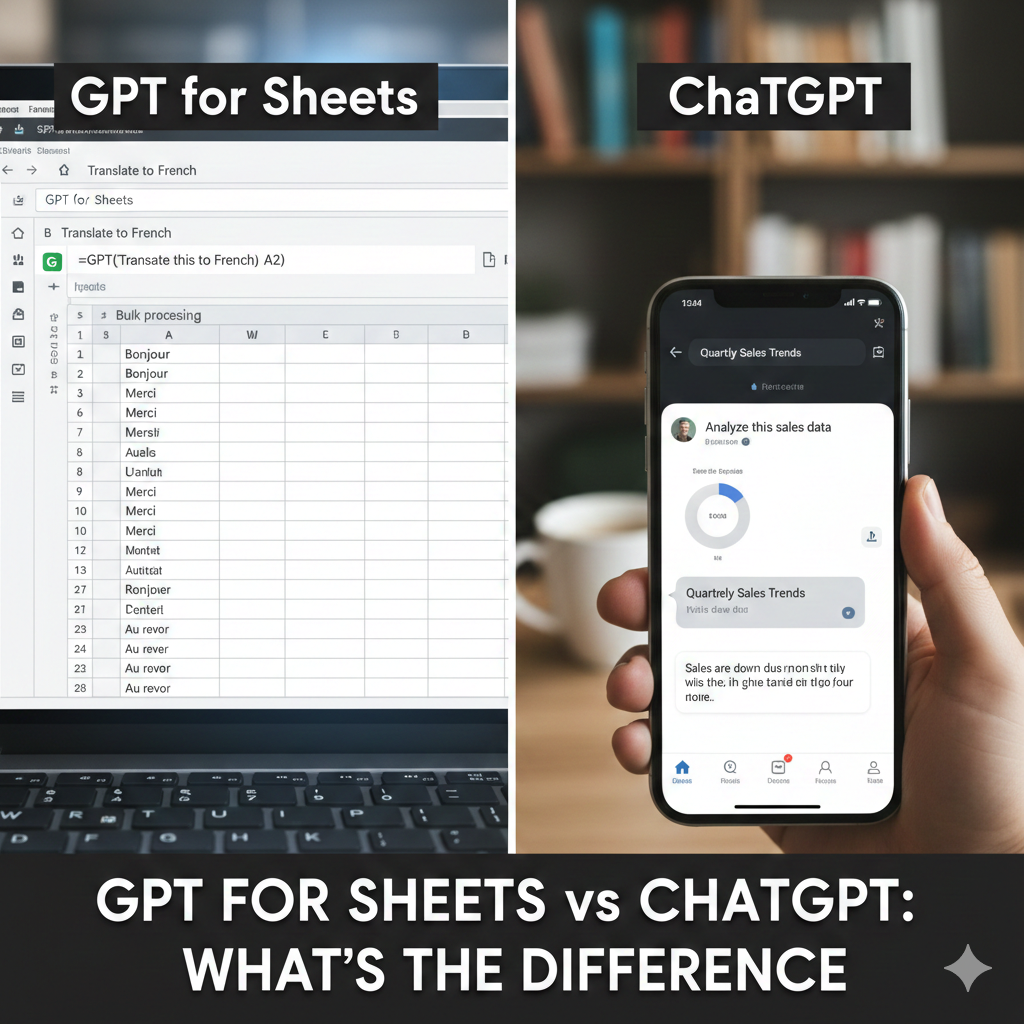
GPT for Sheets and ChatGPT are often mentioned in the same breath, which is exactly why so many people misuse them. On the surface, the confusion makes sense. Both tools rely on similar AI models, both generate text, and both promise to “save time.” As a result, users frequently assume that anything ChatGPT can do in a chat window should also work inside Google Sheets—and vice versa. In real workflows, that assumption causes broken processes, inconsistent outputs, and a lot of quiet frustration.
The problem isn’t the technology. It’s the mental model people bring to it.
ChatGPT and GPT for Sheets are not interchangeable tools with different skins. They are designed for different stages of work. ChatGPT is conversational and exploratory by nature. GPT for Sheets is structured, constrained, and execution-focused. When users treat them as the same tool, they force each one into tasks it was never designed to handle well.
From real usage across content, SEO, data cleanup, and internal workflows, the distinction becomes clear very quickly. ChatGPT excels when thinking is still fluid—when ideas are forming, assumptions need to be challenged, or direction hasn’t been finalized. It shines in brainstorming, outlining, explaining concepts, and refining drafts through back-and-forth conversation. The ability to ask follow-up questions, adjust tone, and explore alternatives is its core strength.
What ChatGPT is designed to do
ChatGPT is built for:
Exploration and brainstorming
Long-form explanations
Iterative refinement through conversation
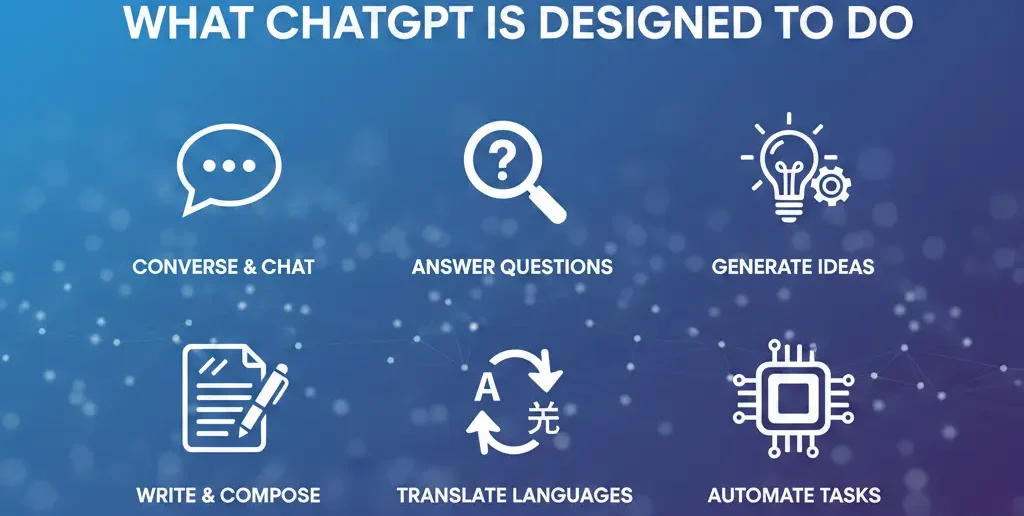
Strategy, ideation, and drafting
It excels when you need:
Context building
Clarification through follow-up questions
Flexible thinking
However, ChatGPT struggles with:
Structured datasets
Repetitive, row-based tasks
Maintaining consistency across large tables
What GPT for Sheets is designed to do
GPT for Sheets works best when:
Each row represents a task
Inputs are structured
Outputs are short and repeatable
https://www.youtube.com/shorts/XzkBgasDUi4?
Typical strengths include:
Labeling and classification
Pattern explanation across rows
Standardizing text formats
Drafting short interpretations
Its limitations:
No conversational memory
Limited context per cell
Unsuitable for deep reasoning
Side-by-side comparison (practical view)
| Feature | ChatGPT | GPT for Sheets |
| Interaction style | Conversational | Cell-based |
| Best for | Strategy & drafting | Repetitive tasks |
| Handles large tables | No | Yes |
| Iterative refinement | Yes | Limited |
| Output consistency | Medium | Higher (with constraints) |
| Ideal workflow stage | Planning | Execution |
This comparison reflects real-world behavior, not marketing claims.
Common mistakes when choosing between the two
https://www.youtube.com/watch?
Mistake 1: Using ChatGPT for bulk labeling
Why it fails: ChatGPT loses consistency across long lists.
Fix:
Use GPT for Sheets for repetitive labeling tasks.
Mistake 2: Using GPT for Sheets for strategy
Why it fails: No room for reasoning or iteration.
Fix:
Use ChatGPT for planning, then move results into Sheets.
[Expert Warning]
Forcing one tool to do the other’s job often results in subtle errors that aren’t obvious until much later.
Information Gain: The workflow most guides ignore

Most comparisons stop at features. What’s missing is workflow integration.
From practical experience, the strongest setup looks like this:
ChatGPT → ideation, reasoning, frameworks
GPT for Sheets → execution, labeling, summaries
Human review → validation and decisions
This division of labor reduces error rates and increases speed.
Unique section — Practical insight from experience
Teams that struggle with AI tools usually blame the model. In reality, the issue is task mismatch. Once teams assign the right task to the right interface, productivity improves without changing tools at all.
How to decide which tool to use (quick guide)
| Task | Best Tool |
| Brainstorming topics | ChatGPT |
| Writing outlines | ChatGPT |
| Keyword intent tagging | GPT for Sheets |
| Explaining data trends | GPT for Sheets |
| Drafting long content | ChatGPT |
| Cleaning up tables | GPT for Sheets |
This clarity removes guesswork.
(FAQs)
Is GPT for Sheets the same as ChatGPT?
No. They share models but differ in interface and purpose.
Can GPT for Sheets replace ChatGPT?
No. It complements it.
Which is better for SEO work?
Both—depending on the task.
Why does GPT for Sheets feel limited?
Because it’s optimized for structured tasks.
Can I use both together?
Yes, and that’s often ideal.
Which one is safer for data?
GPT for Sheets, with controlled permissions.
Conclusion
The difference between GPT for Sheets and ChatGPT isn’t about power—it’s about context. From real-world usage, productivity improves when ChatGPT handles thinking and GPT for Sheets handles repetition.
Once you stop treating them as interchangeable, both tools become significantly more useful.
Internal link
External link
https://gptforwork.com/blog/gpt-for-sheets-vs-chatgpt-agent?