Introduction
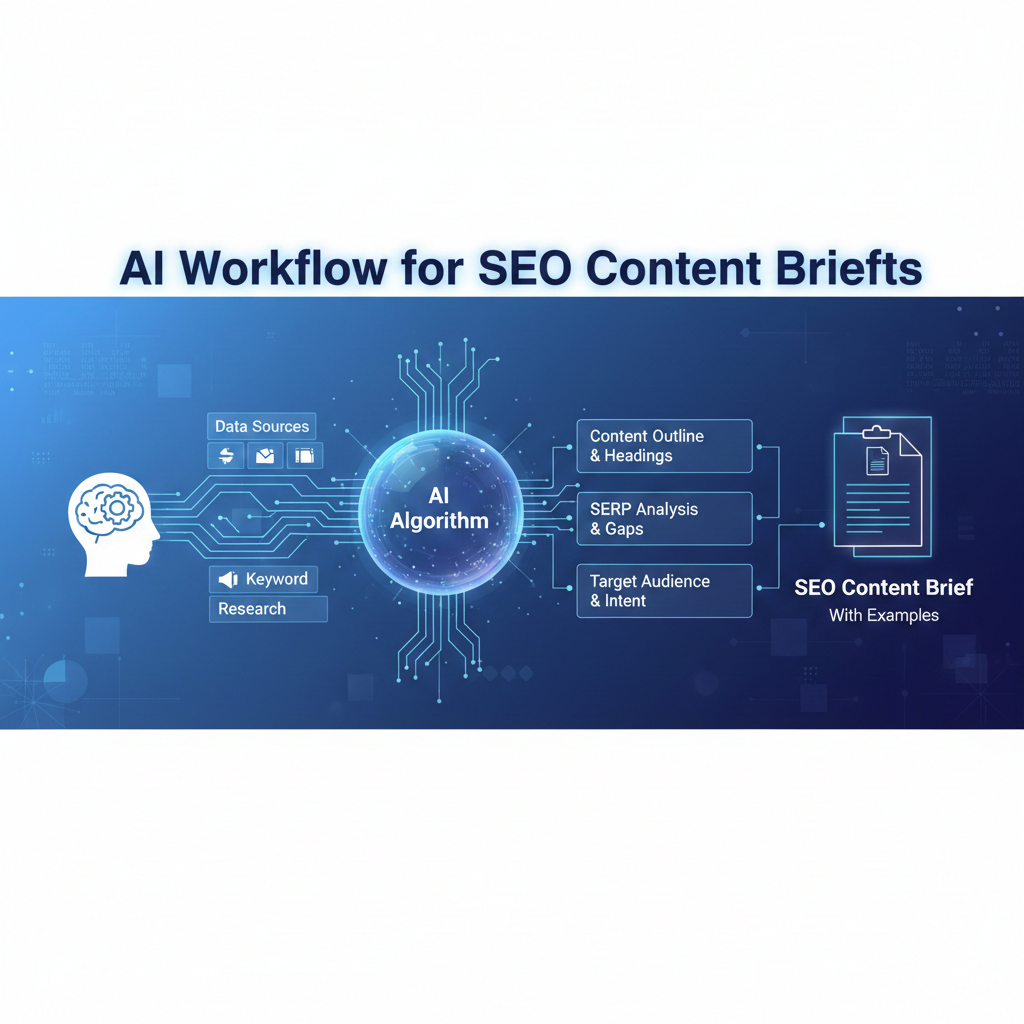
An AI workflow for SEO content briefs determines whether content succeeds or stalls before it’s even written. From real publishing teams, most rewrites happen not because writers failed—but because briefs were vague, conflicted, or changed midstream. AI can dramatically improve briefing speed and depth, but only when humans finalize direction early.
This article shows a repeatable, editor-approved workflow for creating SEO content briefs with AI. You’ll see what to include, what to avoid, and how strong briefs reduce editing time, align writers, and protect search intent.
The role of a content brief in an AI-driven process
A content brief is not a checklist—it’s a decision document. It answers:
Who is this for?
What question must be answered?
What not to cover?
How success will be judged?
AI helps discover options. Humans choose the path.
Stage 1: SERP discovery & intent confirmation
Goal: Ensure the topic deserves content.
AI tasks
Summarize page-1 titles and angles
Extract People Also Ask themes
Identify dominant intent patterns
Prompt example
“Analyze page-1 results for [keyword]. Summarize dominant intent, common angles, and gaps.”
Human decisions
Confirm intent (informational vs commercial)
Decide if differentiation is possible
Reject topics with no clear gap
Stage 2: Angle definition (where briefs are won or lost)
Goal: Choose a single, defensible angle.
AI suggestions
Multiple framing options
Beginner vs advanced positioning
Comparative vs instructional styles
Human selection
One primary promise
One secondary support angle
Clear exclusions
Beginner mistake: combining multiple angles.
Fix: pick one angle and commit.
[Expert Warning]
If a brief tries to satisfy everyone, it satisfies no one—and rankings reflect that.
Stage 3: Outline generation with guardrails
Goal: Structure without locking creativity.
AI generates
H2/H3 options
Logical flow suggestions
Missing-topic alerts
Human refines
Removes overlap
Adjusts pacing
Inserts experience hooks
Table: Brief outline snapshot
| Section | Purpose | Notes |
| Intro | Intent match | Answer fast |
| Core sections | Depth | One idea each |
| Gain section | Differentiation | Real insight |
| FAQs | Coverage | From PAA |
Stage 4: Information Gain specification
Goal: Say something competitors don’t.
AI helps by
Listing repeated points across top results
Highlighting under-covered questions
Human adds
Real examples
Trade-offs or limitations
Contrarian but accurate insight
This section should be mandatory in every brief.
Unique section — Real-world brief example (condensed)
In a recent brief for an SEO workflow article:
AI proposed 12 sections
Editor cut it to 7
One real failure case was added
The final article ranked faster—not because it was longer, but because the brief forced clarity.
Stage 5: Constraints & quality bars
Goal: Prevent scope creep.
Brief constraints to include
Target audience level
Examples required (yes/no)
Tone boundaries
Claims policy (what must be sourced)
AI can draft these; humans must approve them.
Common mistakes in AI-assisted briefs
Mistake 1: Treating briefs as optional
Fix: No brief, no draft.
Mistake 2: Letting AI finalize the angle
Fix: AI proposes, humans decide.
Mistake 3: Over-detailed outlines
Fix: Leave room for writer judgment.
Information Gain: The briefing insight most teams miss
Briefs should reduce choices, not create them.
From practice, the best briefs limit freedom in direction but allow freedom in expression. This balance produces faster drafts and fewer rewrites.
(FAQs)
Are AI-generated briefs reliable?
Yes, with human approval.
Should writers see the full brief?
Yes—clarity improves output.
How long should a brief be?
As long as needed to remove ambiguity.
Can one brief fit multiple posts?
Rarely. Each post needs its own.
Is Information Gain required?
Yes, for competitive SERPs.
Do briefs slow production?
They reduce rework, so overall speed improves.
Conclusion
An AI workflow for SEO content briefs succeeds when briefs lock decisions early and give writers a clear lane. From real publishing experience, strong briefs are the highest-leverage asset in content production—AI simply makes them faster to build.
Internal link
https://aidcanvas.com/index.php/2026/01/09/ai-workflow-for-keyword-research-clustering-case-study/
External link
https://aidcanvas.com/index.php/2026/01/09/ai-workflow-for-seo-content-briefs-with-examples/?