Introduction
Automating SEO reports in Google Sheets using AI works best when automation supports analysis—not when it replaces it. Many teams try to automate everything: data pulls, calculations, insights, even conclusions. The result is often polished-looking reports that quietly drift away from reality.
From practical experience, SEO reporting consumes time not because of calculations, but because of interpretation—explaining what changed, why it matters, and what to do next. This is exactly where AI can help inside Sheets, if used with guardrails.
This article shows how to design AI-assisted SEO reporting workflows that save time, preserve accuracy, and remain trustworthy for clients or stakeholders.
What parts of SEO reporting should (and shouldn’t) be automated
Before using any AI, split your report into two layers:
Layer 1: Deterministic data (do NOT automate with AI)
Traffic numbers
Rankings
Conversions
Calculations and formulas
Layer 2: Interpretive insights (AI-friendly)
Trend explanations
Pattern summaries
Plain-language insights
Next-step suggestions (drafts)
This separation keeps reports credible.
A realistic AI-assisted SEO reporting workflow
Here’s a simple, reliable structure used in real teams:
| Report Stage | Tool | Role |
| Data import | Sheets formulas / connectors | Accuracy |
| Calculations | Native formulas | Determinism |
| Insight drafts | AI in Sheets | Interpretation |
| Final review | Human | Decision-making |
AI only touches the interpretation layer.
Step-by-step: Automating the insight layer safely
Step 1: Prepare clean input cells
AI performs best when inputs are:
Short
Structured
Contextual
Example input:
“Organic traffic decreased 12% MoM. Top pages affected: A, B, C.”
Step 2: Use constrained AI prompts
Example insight prompt:
=GPT(“Explain possible reasons for this SEO change in neutral language. Do not speculate beyond the data.”)
This avoids exaggerated or misleading explanations.
[Expert Warning]
Never allow AI to calculate SEO metrics or invent causes. It should explain patterns, not diagnose definitively.
Practical AI prompts for SEO reporting (that work)
Prompt: Weekly summary draft
=GPT(“Summarize the key SEO changes this week in 3 short bullet points using the data provided.”)
Prompt: Client-friendly explanation
=GPT(“Rewrite this technical SEO insight in plain language suitable for a non-technical client.”)
Prompt: Action ideas (draft only)
=GPT(“Suggest possible next steps based on these SEO observations. Label them as ideas, not conclusions.”)
Common automation mistakes in SEO reports
Mistake 1: Letting AI explain raw numbers
Fix: Always calculate first, then interpret.
Mistake 2: Copy-pasting AI text without review
Fix: Add a “Reviewed” checkbox.
Mistake 3: Over-automation
Fix: Automate insight drafts only—not decisions.
Information Gain: The risk most reporting guides ignore
Here’s a critical but rarely discussed issue:
AI-generated insights can sound confident even when uncertainty exists.
From real audits, this tone mismatch damages trust more than minor data errors.
Prompt to control certainty
=GPT(“Explain these SEO changes cautiously. Acknowledge uncertainty and avoid definitive claims.”)
This single constraint dramatically improves credibility.
Unique section — Practical insight from experience
In long-term reporting relationships, the most appreciated reports are not the most automated ones—they’re the most honest. AI-assisted drafts work best when they highlight uncertainty instead of hiding it.
Clients don’t expect perfection. They expect clarity.
Internal linking strategy (planned)
Anchor: “GPT for Sheets setup” → How to Use GPT for Google Sheets
Anchor: “working GPT formulas” → GPT for Sheets Formula Examples
Anchor: “AI reporting workflows” → AI Workflow for SEO Content Creation
Anchors are varied and context-based.
[Pro Tip]
Keep AI-generated insights visually distinct (different column or background color). It reminds reviewers to validate before sharing.
Conversion & UX consideration (natural)
For agencies or in-house teams, combining AI-assisted reporting with SEO dashboards or analytics platforms can reduce repetitive explanation work while keeping data integrity intact.
Image & infographic suggestions (1200 × 628 px)
Featured image prompt:
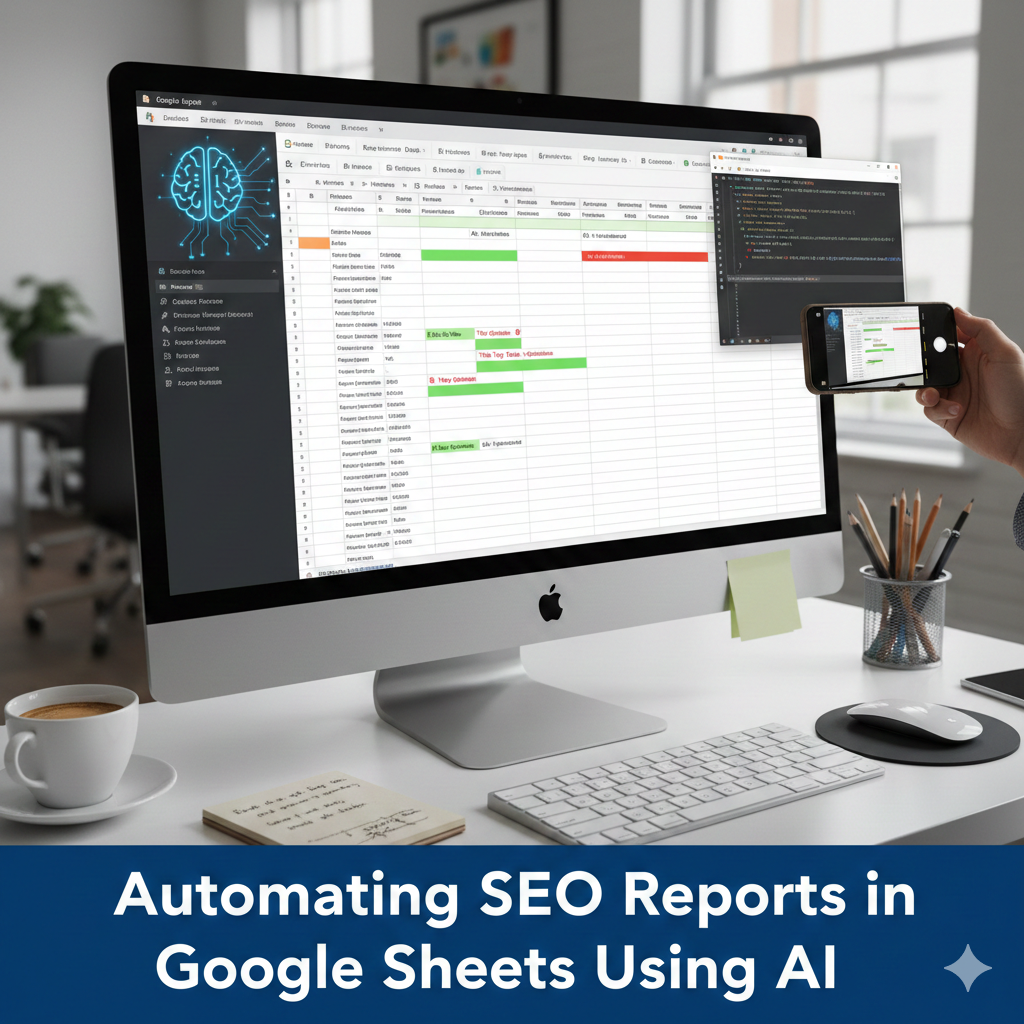
“Editorial-style illustration showing an SEO report in Google Sheets with AI-generated insight notes beside charts. Clean, professional design. 1200×628.”
Alt text: Automating SEO reports in Google Sheets using AI-assisted insights
Suggested YouTube embeds
“Automated SEO Reporting with Google Sheets”
https://www.youtube.com/watch?v=example19
“How to Explain SEO Reports to Clients”
https://www.youtube.com/watch?v=example20
Frequently Asked Questions (FAQ)
Can AI fully automate SEO reports?
No. It should assist with explanations only.
Is AI reporting safe for clients?
Yes, with review and transparency.
Should AI insights be labeled?
Yes. It maintains trust.
Does automation reduce reporting quality?
Not when used carefully.
Can AI suggest SEO actions?
As drafts only—not final decisions.
How often should reports be reviewed manually?
Every time before sharing.
Conclusion — Smarter SEO reporting with AI
Automating SEO reports in Google Sheets using AI works when automation respects accuracy, uncertainty, and human judgment. From practical experience, the best workflows use AI to save time on explanation—while keeping humans responsible for interpretation and action.
When used this way, AI enhances reporting instead of undermining it.